Collect RSVPs without a spreadsheet
Why replies get lost, what to ask guests (and what not to), and how to get an accurate headcount without chasing anyone by text.
By The Monte Peony team3 min read
Ask any host what took the most time, and the answer is rarely the venue or the menu. It's the replies. Who's coming, who isn't, who hasn't said, who's bringing someone, and who doesn't eat fish.
The usual system is a spreadsheet, kept up to date by hand from texts, emails and conversations at work. It works until it doesn't: one reply goes unrecorded and the caterer is one meal short.
Here's a better way to do it.
Ask each household, not each person
Invitations go to households: a couple, a family, a pair of flatmates. Replies should too. One link per household means one person can answer for everyone in it, and you never end up with half a family replied.
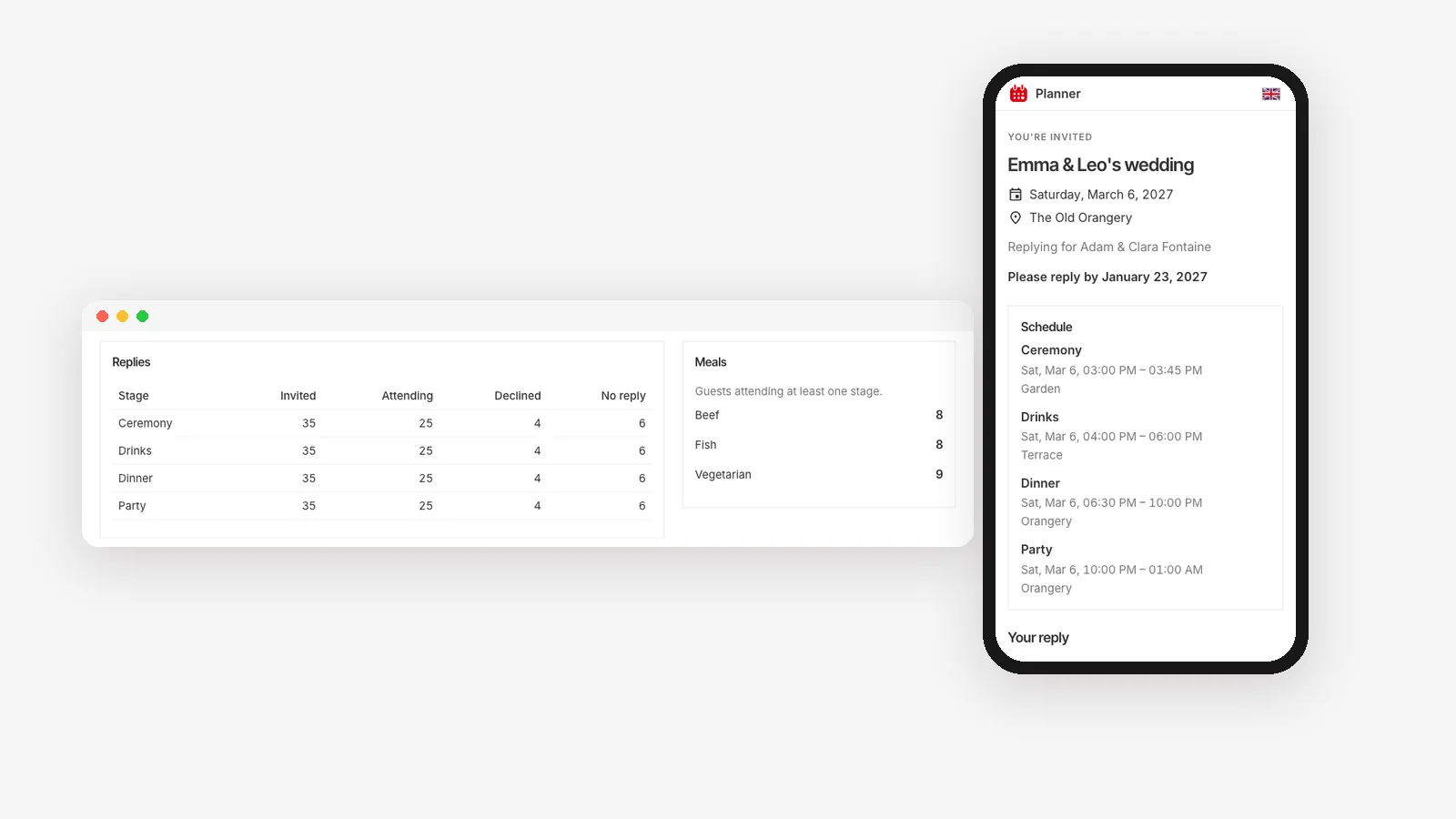
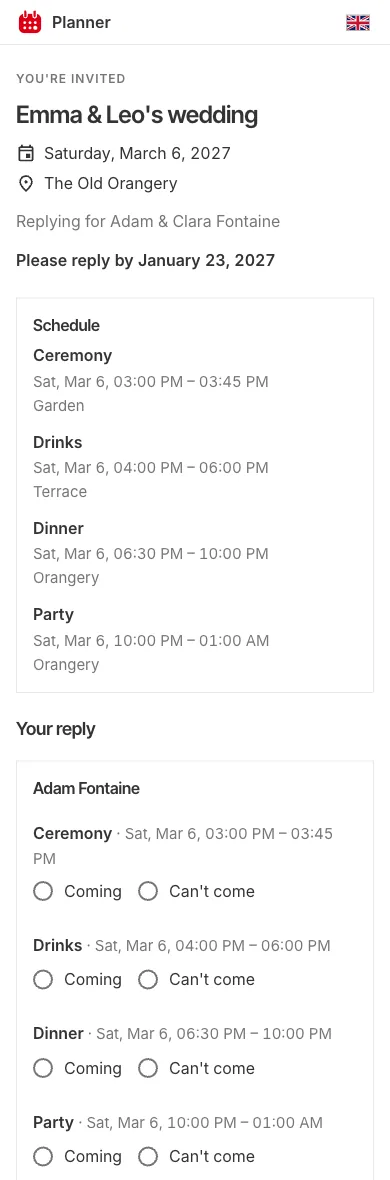
In Planner, guests are grouped into parties, and each party gets its own private reply link. Nobody needs an account or an app; the link opens on any phone.
Ask per part of the day
If your event has several parts, such as a ceremony, dinner and an after-party, or workshops and a team dinner, ask about each one. "Coming" isn't enough when the dinner has 80 seats and the party has 150.
Ask only what you'll use
Every extra question costs you replies. Ask for:
- Attendance, per part of the day.
- Meal choice, if there is one, and dietary needs.
- A plus-one's name, if you've offered one. You'll need it for the place card.
- A message, optional. People like to send one.
Don't ask for anything you won't act on. And remember that guests' details are personal data: collect what you need, and delete it once the event is over. Planner removes guests' personal details a while after the event, tells you before it does, and lets guests ask for their own data to be deleted from their reply page.
Send it from one place
Send every household its invitation and link in one go. Planner emails each party its private link, in your name, with a message you write. Prefer paper? You can download a mailing list and print address labels, and still share the reply links.
Set a deadline, then remind once
A reply deadline is a kindness. It tells guests when you need to know, and it gives you a date to stop waiting. Three to four weeks before the event works for most parties, longer if the caterer needs final numbers early.
Then remind, but only once or twice. In Planner you can remind everyone who hasn't replied in one click, or let one reminder go out by itself a few days before the deadline. No household gets more than one email in two days, so nobody feels chased.
Watch the numbers, not the inbox
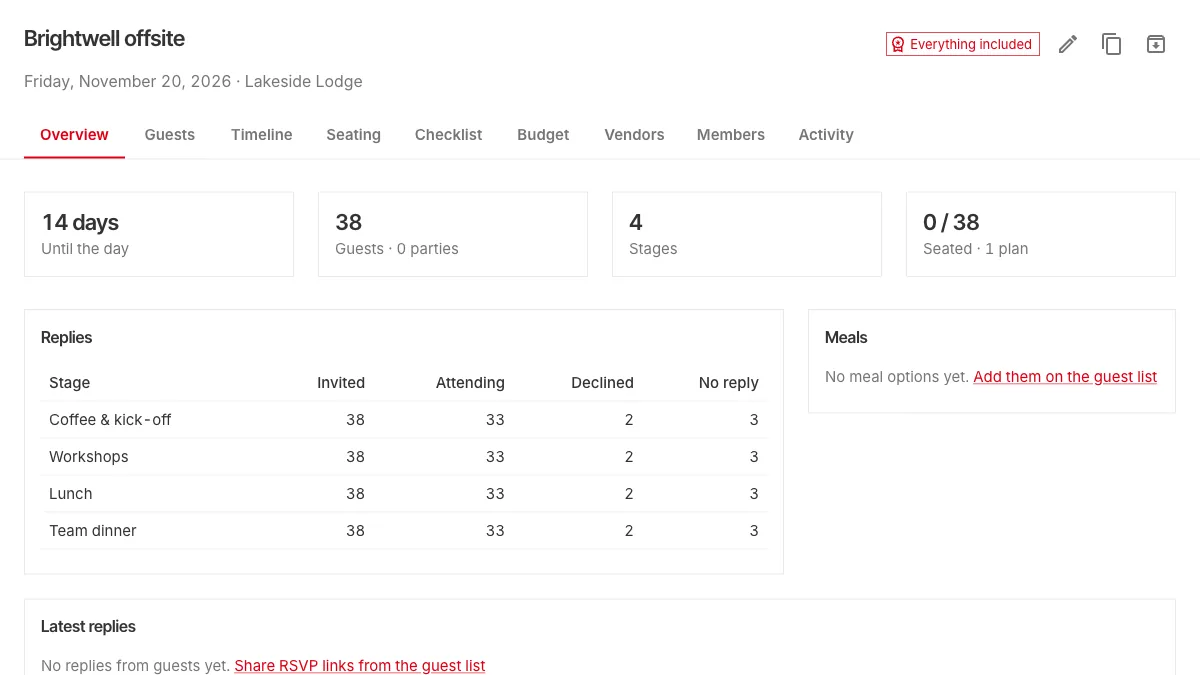
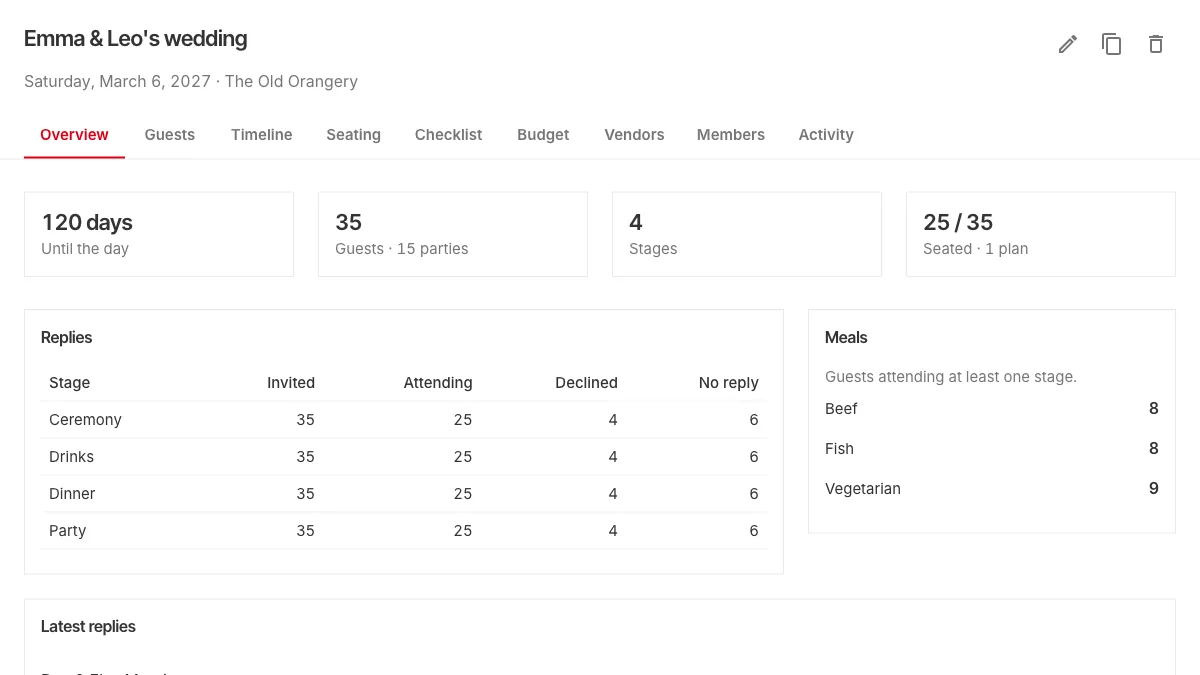
Instead of reading every reply as it arrives, look at the totals: who's attending each part of the day, who declined, who's still to answer, and how many of each meal.
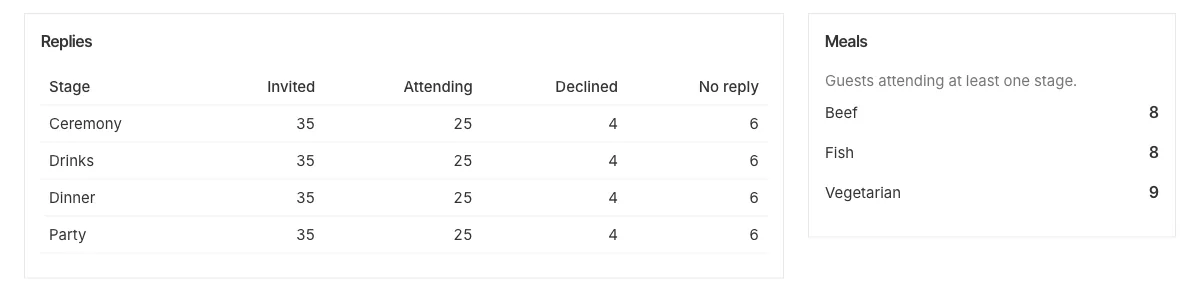
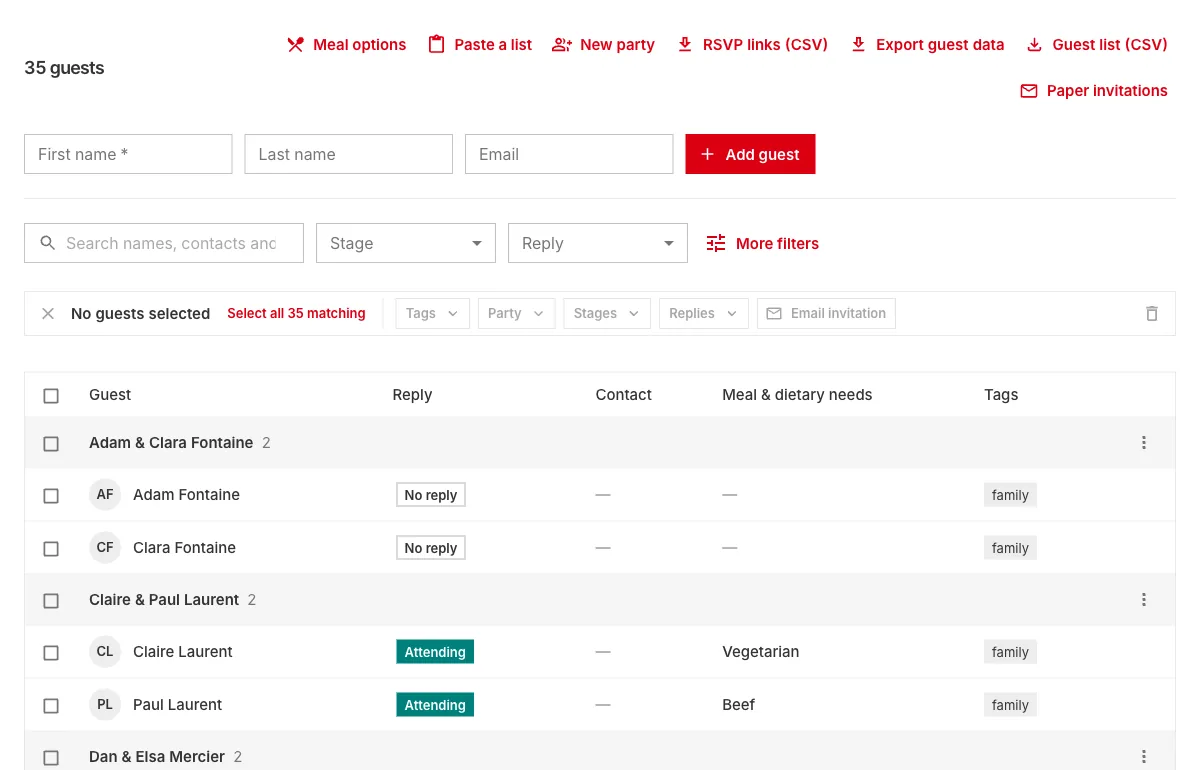
You can hear about replies as they come or get a single email a day, and the guest list shows each guest's answer next to their name.
Let the replies flow into the plan
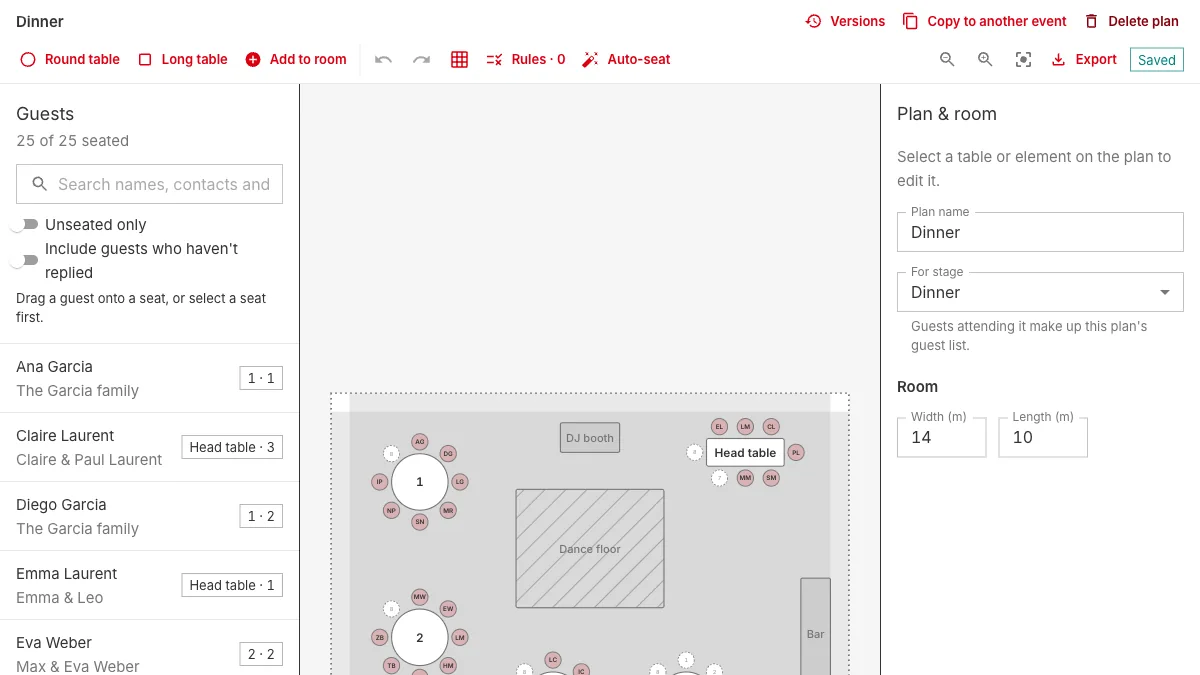
This is where a spreadsheet really falls short. When a guest changes their reply, everything downstream should change too: the seating plan, the caterer's numbers, the place cards. In Planner the seating editor only offers guests who are attending that part of the day, and the overview tells you when someone with a seat has cancelled.
Try it
Open the sample event to see a guest list with replies already coming in, then copy a reply link and open it on your phone to see what your guests will see.