Planning a company offsite: a host's checklist
From the first headcount to the team dinner, a practical way to plan a day away with your team, and keep everyone informed without a dozen spreadsheets.
By The Monte Peony team3 min read
A company offsite looks simple on paper: a venue, a day, a dinner. In practice it's a small conference. Different people attend different sessions, some can only make the morning, half the team has a dietary need, and the dinner seating has its own politics.
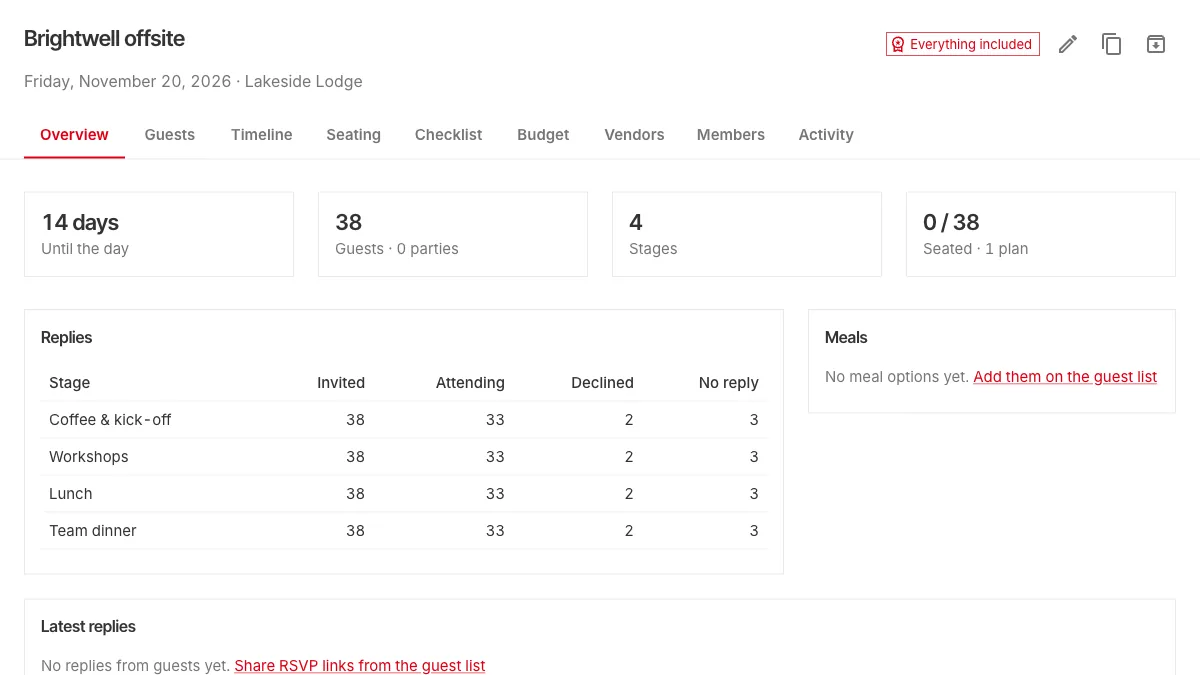
Here's a checklist that works for a team day of twenty people or two hundred. We'll use an example, the Brightwell offsite: 38 people, one day at a lakeside lodge, with coffee, workshops, lunch and a team dinner.
Eight weeks out: decide what the day is for
Before booking anything, write down the purpose in one sentence: planning next year, celebrating a launch, getting two teams to work together. It decides everything else: how much time goes to sessions and how much to unstructured time, whether partners are invited to dinner, and how big the venue needs to be.
Then set a budget, and book the venue. Ask for the floor plans of each room you'll use, with measurements. You'll need them later.
Six weeks out: build the schedule as stages
Break the day into stages, each with a start time, an end time and a place:
- Coffee and kick-off, 9:00 to 9:45
- Workshops, 10:00 to 12:30, in the boathouse
- Lunch, 12:30 to 1:30
- Team dinner, in the evening
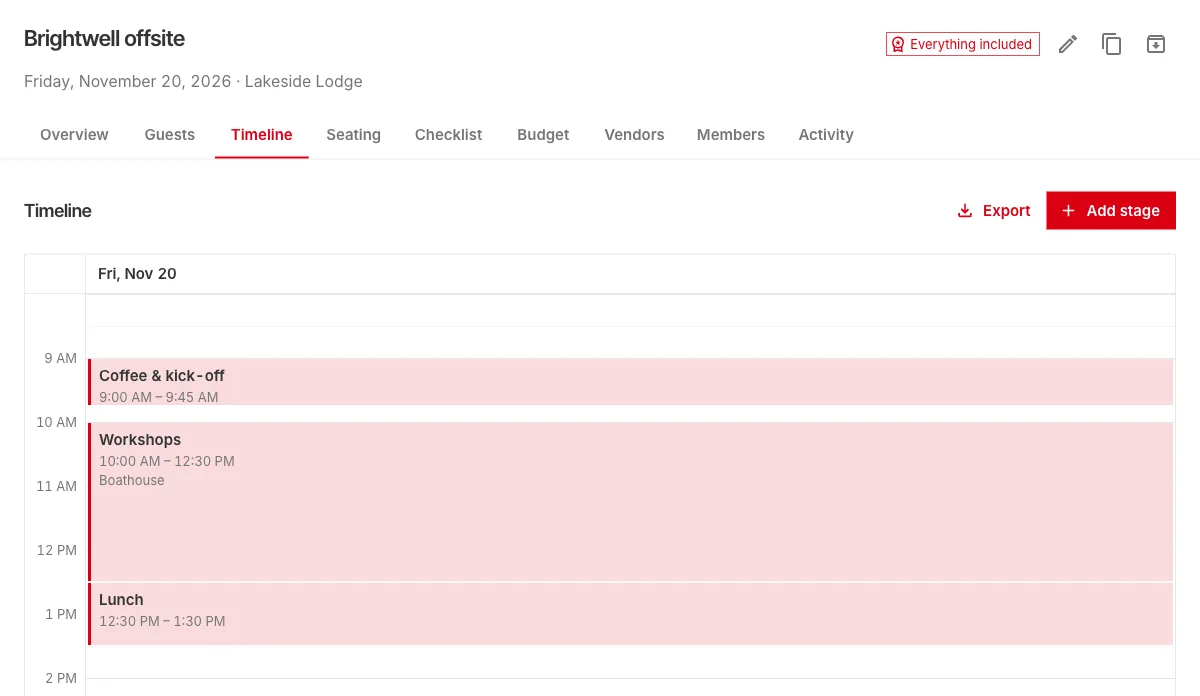
Thinking in stages is the most useful habit for a work event, because attendance differs by stage. The dinner might include partners; the workshops might only include one department. In Planner, each stage has its own guest list, so you invite people to exactly the parts that apply to them.
Five weeks out: the guest list
Start from the HR export or the team list. Paste the names in, check for duplicates, and tag people by team or role. Tags pay off later: you can filter by them, invite a whole tag to a stage, and use them in seating rules.
Four weeks out: invitations and replies
Send each person their invitation with a private reply link. Ask, for each stage, whether they're coming, plus their meal choice and any dietary needs for lunch and dinner. Set a reply deadline about two weeks before the day, so the venue and caterer get final numbers on time.
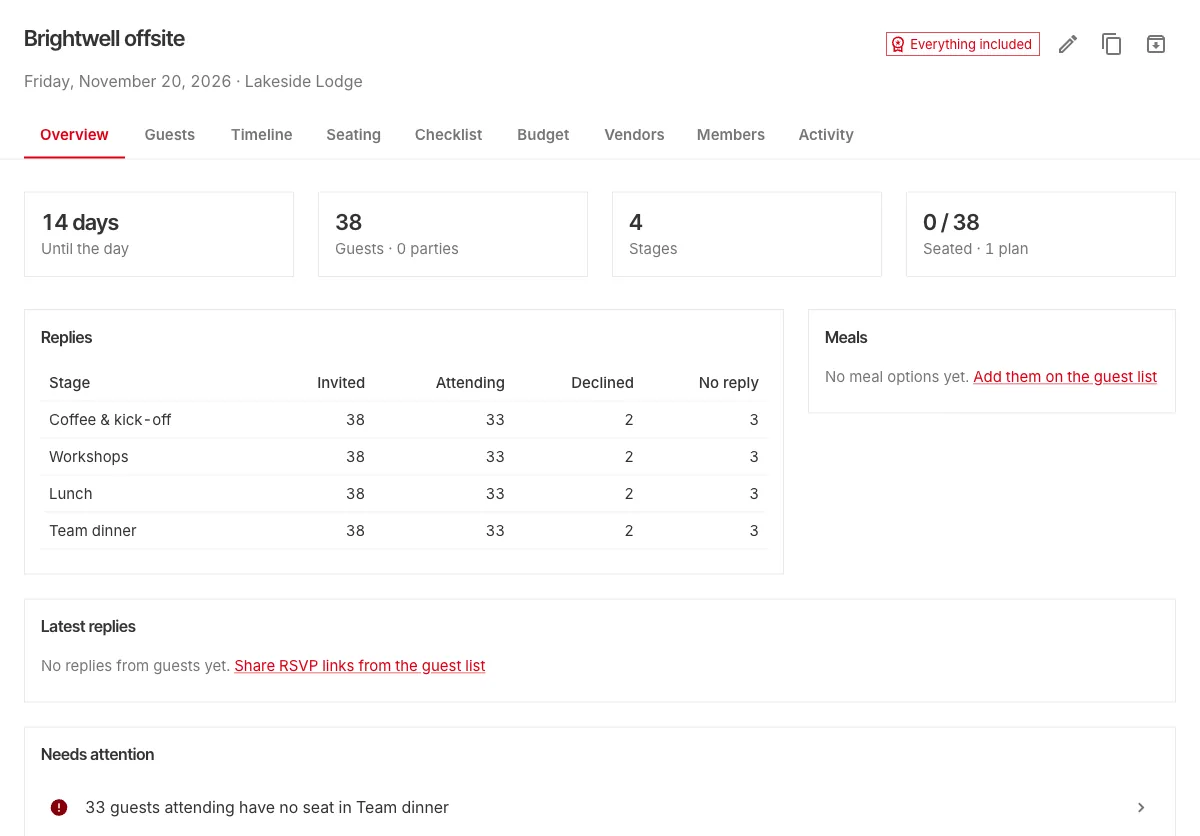
Some people won't reply. A single reminder a few days before the deadline usually catches most of them; Planner can send it for you, and never emails anyone more than once in two days.
Two weeks out: dinner seating
Dinner is where the seating plan matters. A few rules of thumb for a work dinner:
- Mix teams on purpose, unless the point of the day is one team bonding.
- Spread out the leadership rather than giving them their own table.
- Seat new joiners next to someone they've met.
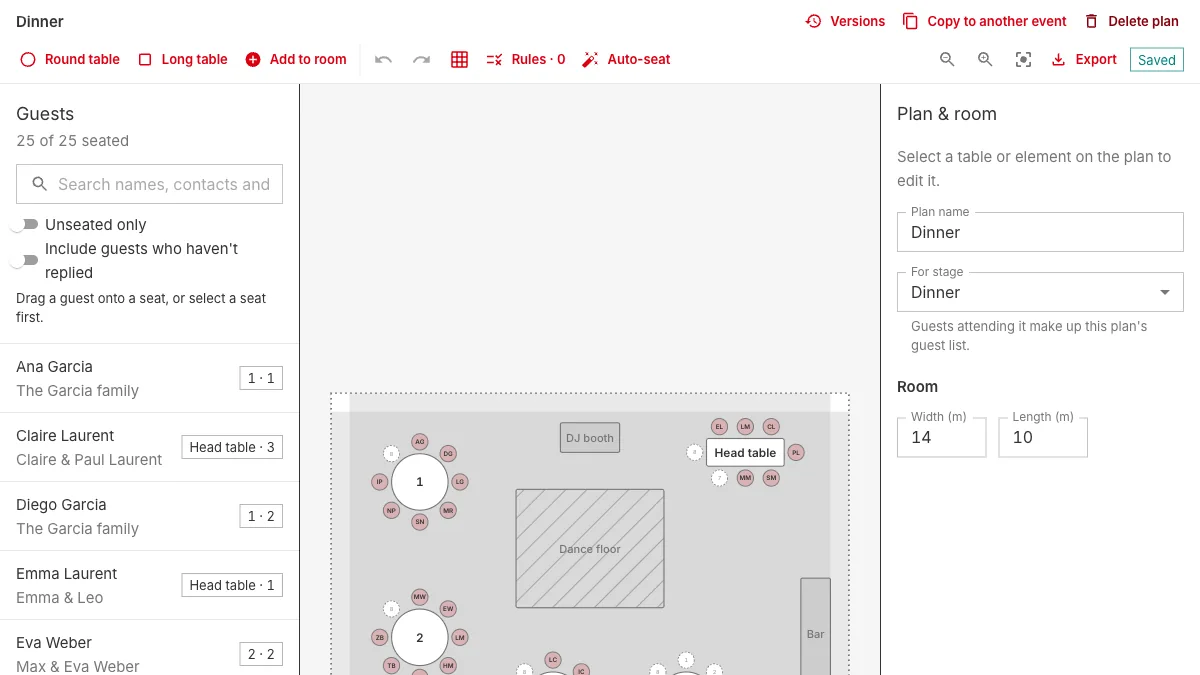
Seating rules turn these into something you can check: seat everyone tagged "leadership" at different tables, keep a new joiner side by side with the colleague they know, and let auto-seat do the first pass. Our seating plan guide goes through it step by step.
One week out: what the venue and caterer need
- The venue: the run-of-show, every stage in order, and the floor plan for dinner, to scale.
- The caterer: meals and dietary needs, table by table.
- Facilitators: the workshop list.
Export these rather than retyping them; every one of them is a PDF away once the plan is in Planner.
On the day: check-in and the clock
Use a check-in list at the door, so you know who arrived and who to call. Planner's "Today" view shows what's on now and next on any phone, with check-in at the entrance, and it keeps working even if the venue's Wi-Fi drops for a moment.
Plan it with your team
An offsite is rarely one person's job. Invite the office manager, the department heads, or an outside planner as editors or viewers. Everyone sees the same event, and the activity history shows who changed what.
Try it
Your first event in Planner is free, with everything included. Start one with the "Corporate" type to get a checklist made for work events, or open the sample event first to look around.