Meet Planner: every guest, every hour, every seat
The guest list, the replies, the running order of the day and a seating plan to scale, in one place. Here's what Planner does and how it fits together.
By The Monte Peony team3 min read
Every event with a guest list runs into the same problem. The names are in a spreadsheet, the replies come in by text, the plan for the day is in a notes app and the seating chart is on paper. Change one, and the others are out of date.
Planner puts all of it in one place, so the table plan always matches who is actually coming. It works for weddings, birthdays, work events and anything else with a guest list and a room to fill.
Here's a tour, using the sample event every new account can open: Emma and Leo's wedding, with fictional guests.
Always know what's left
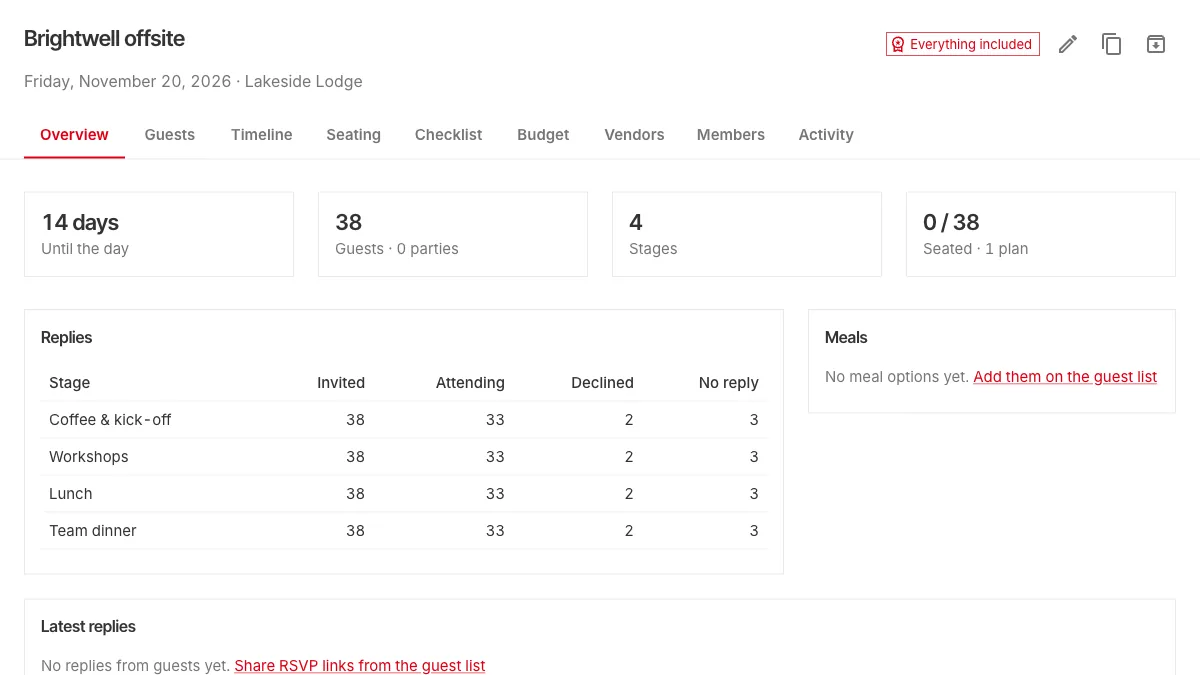
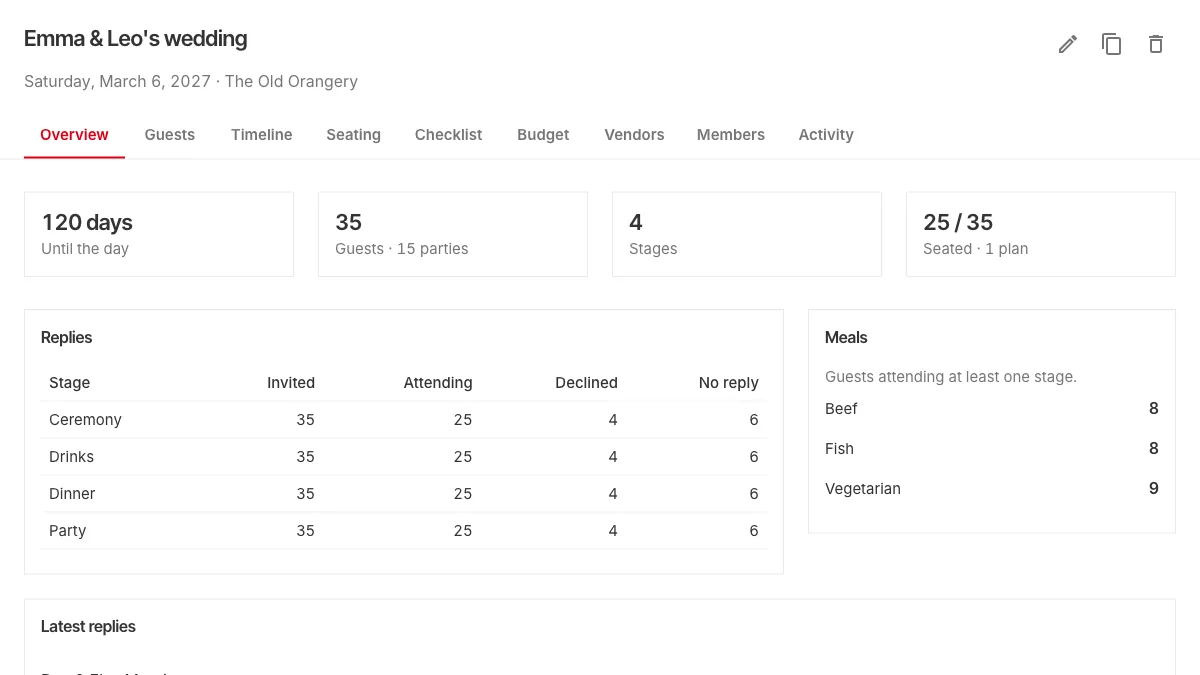
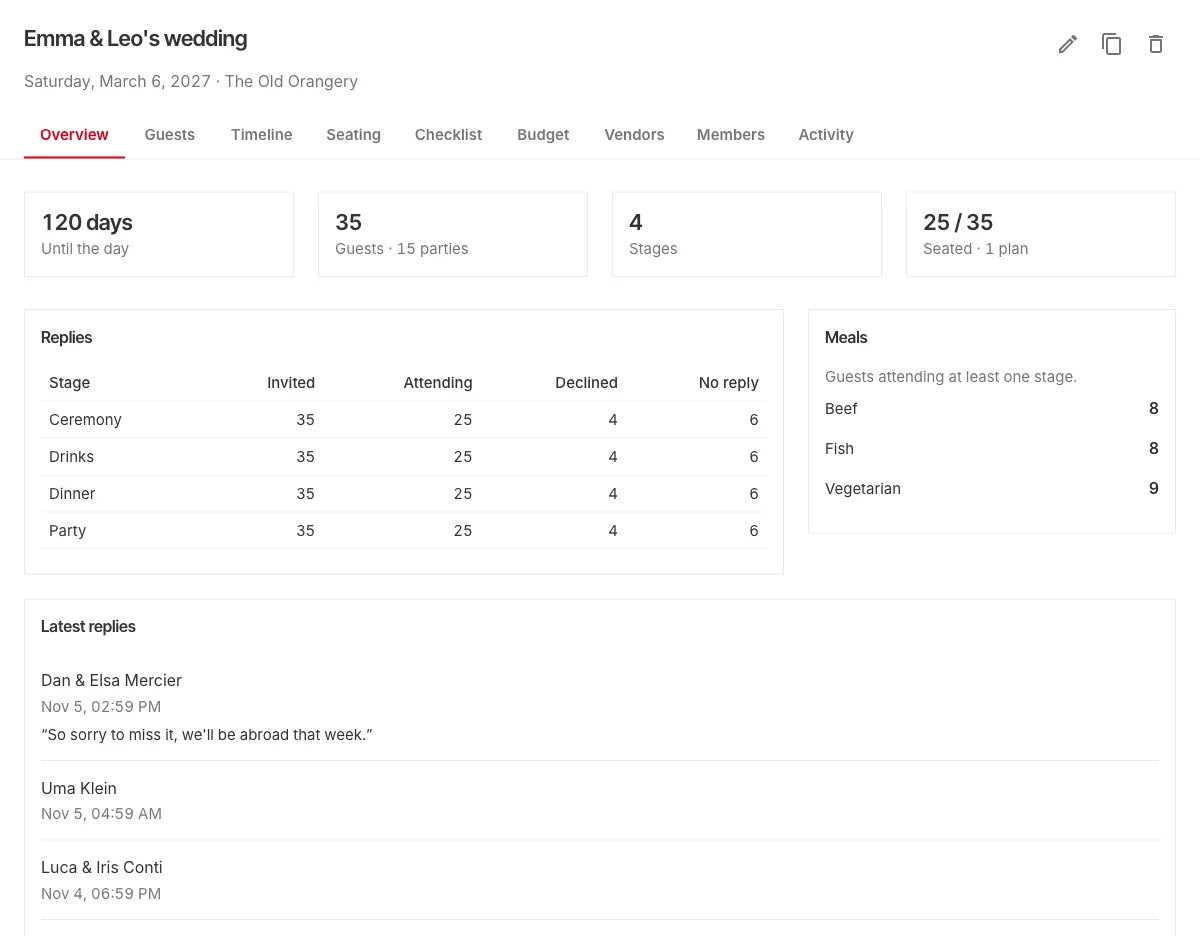
Every event opens on an overview: a countdown to the day, how many guests you have, how many have a seat, and the replies for each part of the day. Underneath, a short list of what still needs doing: guests without a seat, stages without a time, stages that overlap.
Paste the list. That's it.
Copy names from a spreadsheet or a group chat and paste them in. Anyone who looks like a guest you already have is flagged before they're added. Guests are grouped into households, or parties, and each one keeps its dietary needs and notes beside its names.
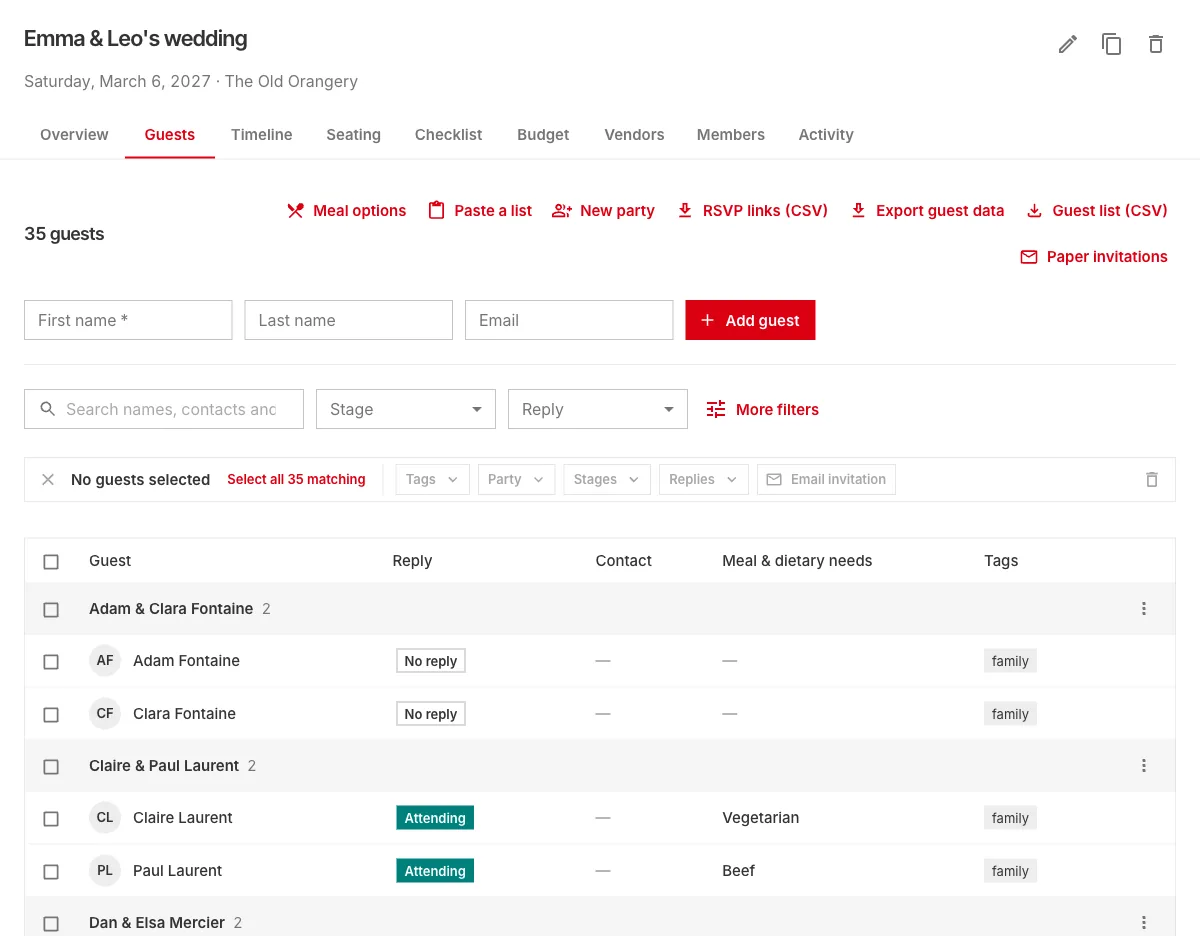
When the list grows, you can search it, filter it by stage, reply or tag, and act on many guests at once.
Guests answer for themselves
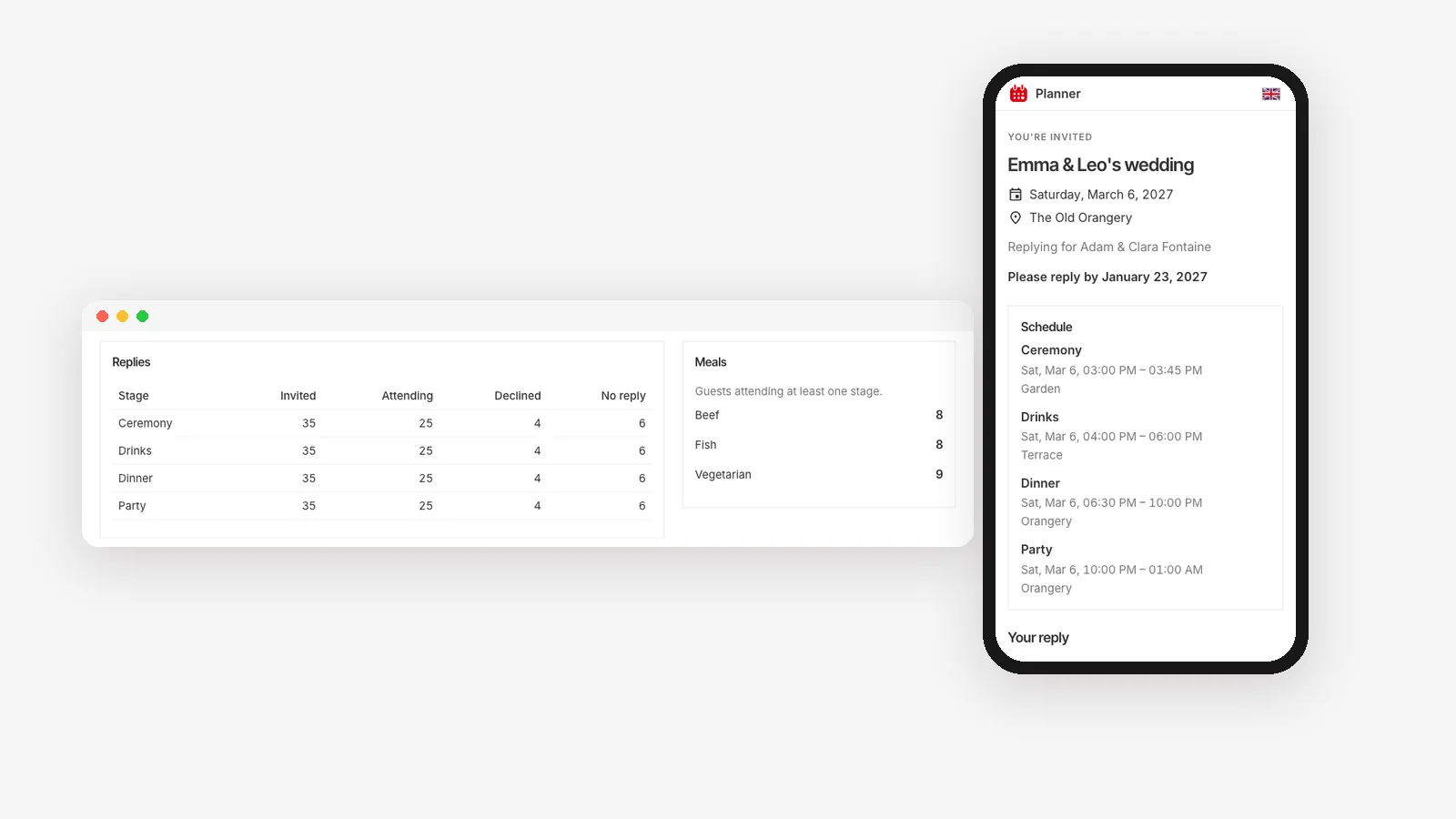
Planner emails every household its invitation and a private reply link, sent in your name with a message of your own. Guests reply for each part of the day, choose their meals and name their plus-one, from any phone and without creating an account. Their answers land straight in your guest list.
You can remind everyone who hasn't replied in one click, or let one reminder go out by itself a few days before your reply deadline. We cover this in detail in Collect RSVPs without a spreadsheet.
The whole day, hour by hour
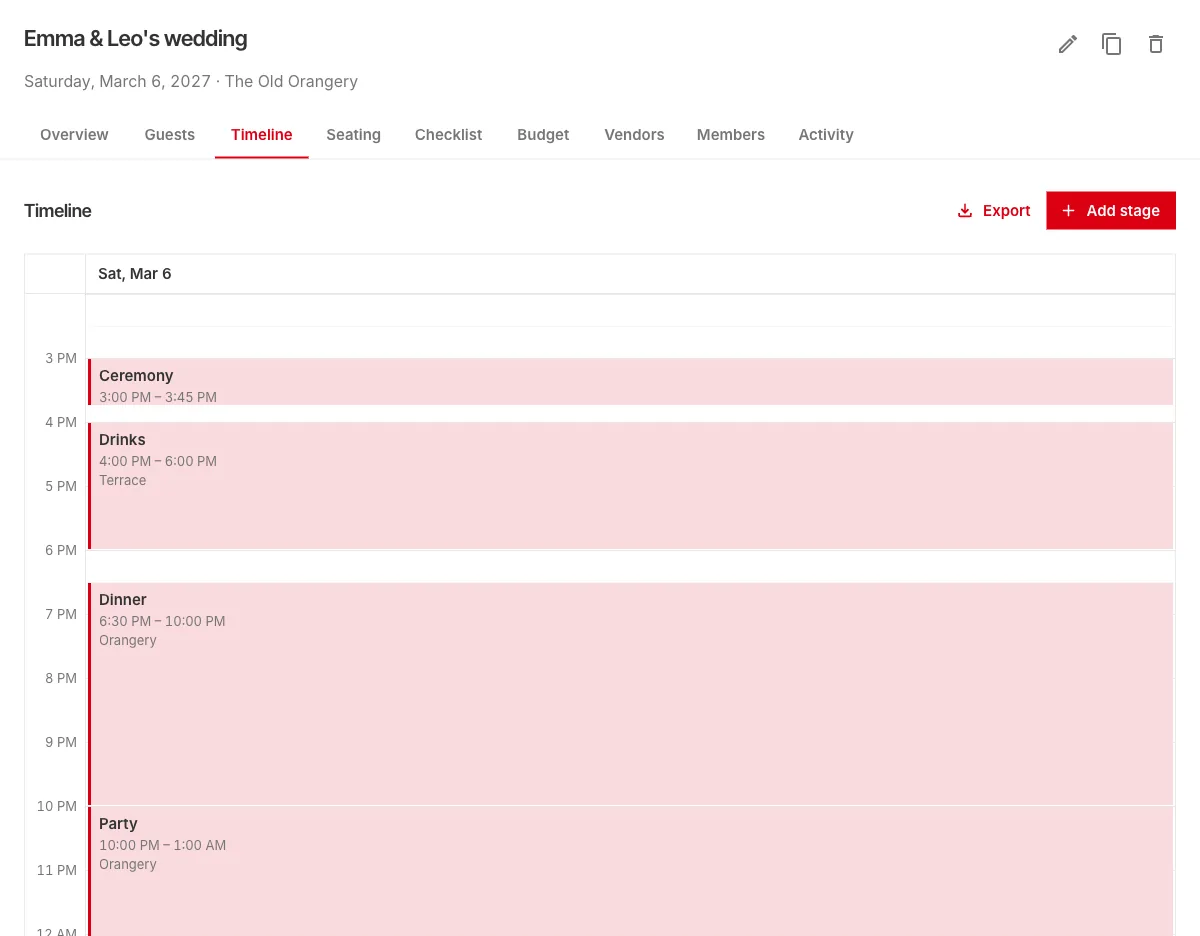
The timeline lays out the day as a calendar: the welcome, the drinks, dinner, the dancing. Drag a stage to move it, or drag its edge to change how long it lasts. Each stage has its own guest list, so the brunch the next morning can have a different crowd from the dinner.
Seat everyone, to scale
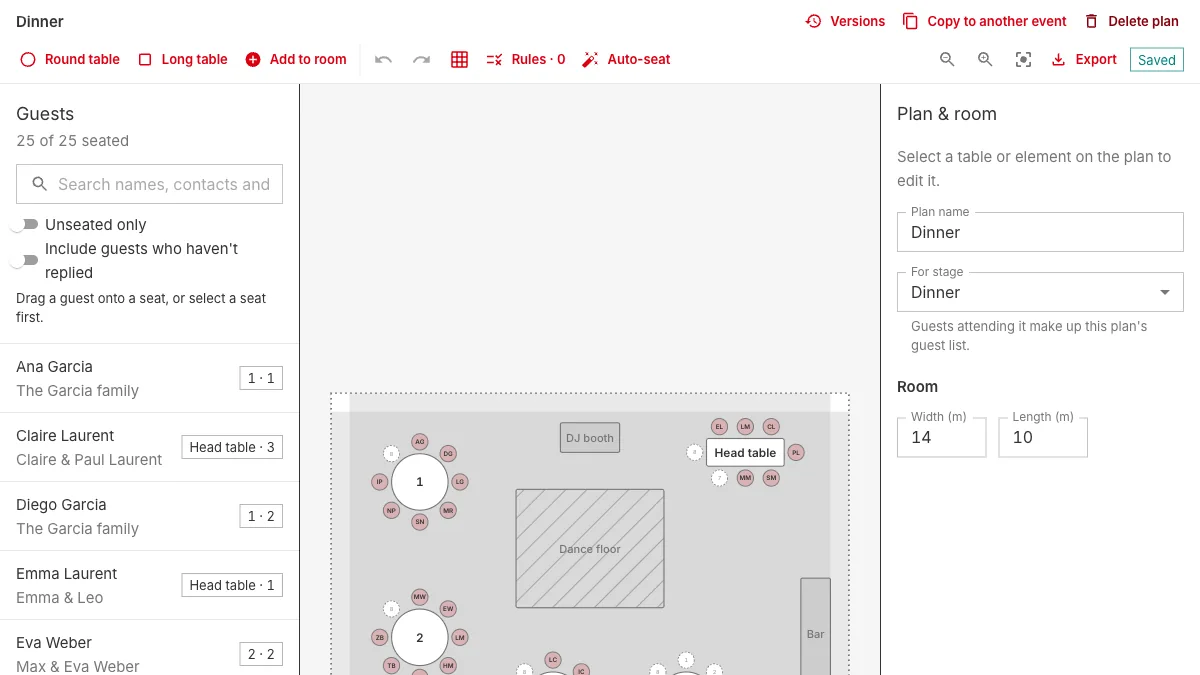
The seating editor draws your room to scale: round and long tables, the dance floor, the bar, the DJ. Drag guests onto chairs, or select a seat and pick who sits there. Rules keep people together or apart, and auto-seat fills the tables while respecting them.
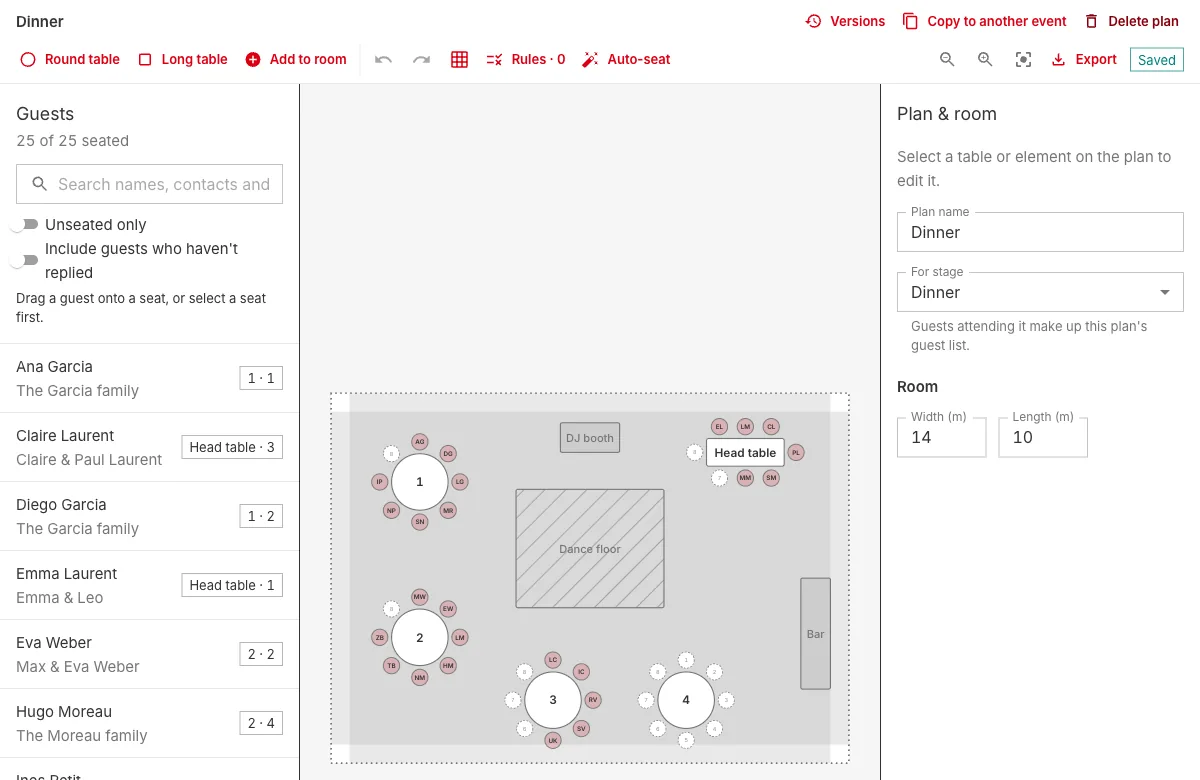
Every save is kept, so you can look back at an earlier version of the plan and restore it. There's a full guide in How to make a seating plan.
Plan it together
Invite your partner, your family or your planner as editors or viewers. Everyone works on the same event at the same time, and the activity history shows who changed what.
Everything else before the day
- Checklist: start from a checklist made for your kind of event, with due dates counted back from the day.
- Budget: set a total, add what you're paying for and see what's still to pay.
- Vendors: the people you hire, when they're needed and what you still owe them.
- Exports: a floor plan to scale for the venue, a caterer sheet with meals by table, place cards and escort cards, a run-of-show for the coordinator, a calendar file of the timeline, and CSVs of your guests and budget.
- On the day: a "Today" view shows what's on now and next, with check-in at the door.
What it costs
Your first event is free, with everything included: unlimited guests, tables and timeline, plus the floor plan, sharing and exports. Each event after that uses one credit. Credits come in packs and never expire, and your guests never pay anything. The details are on the pricing page.
Try it
The fastest way to see whether Planner fits your event is to open the sample event and seat someone. Change anything you like, then delete it when you're done.