How to make a seating plan without losing your mind
A calm, step-by-step way to seat any event, from a dinner for twelve to a wedding for two hundred, and the order to do it in.
By The Monte Peony team4 min read
The seating plan is often the last big job before an event, and the one most likely to keep a host up at night. It doesn't have to. Most of the stress comes from doing things in the wrong order: drawing tables before you know who's coming, or seating people before you know which of them must sit together.
Here's the order that works, whether you're seating twelve people or two hundred.
1. Wait for the replies, but not forever
A seating plan built on your invitation list will be rebuilt at least twice. Start once most replies are in, a few weeks before the event for most parties and weddings, and work only with the people who said yes to that part of the day.
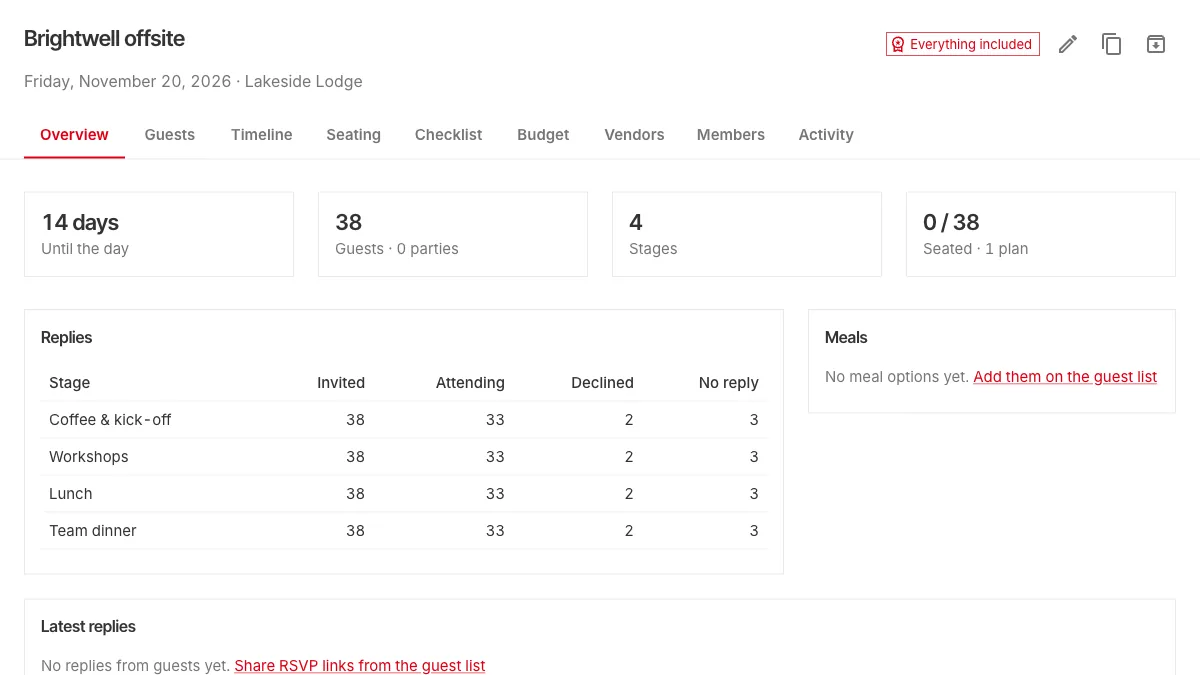
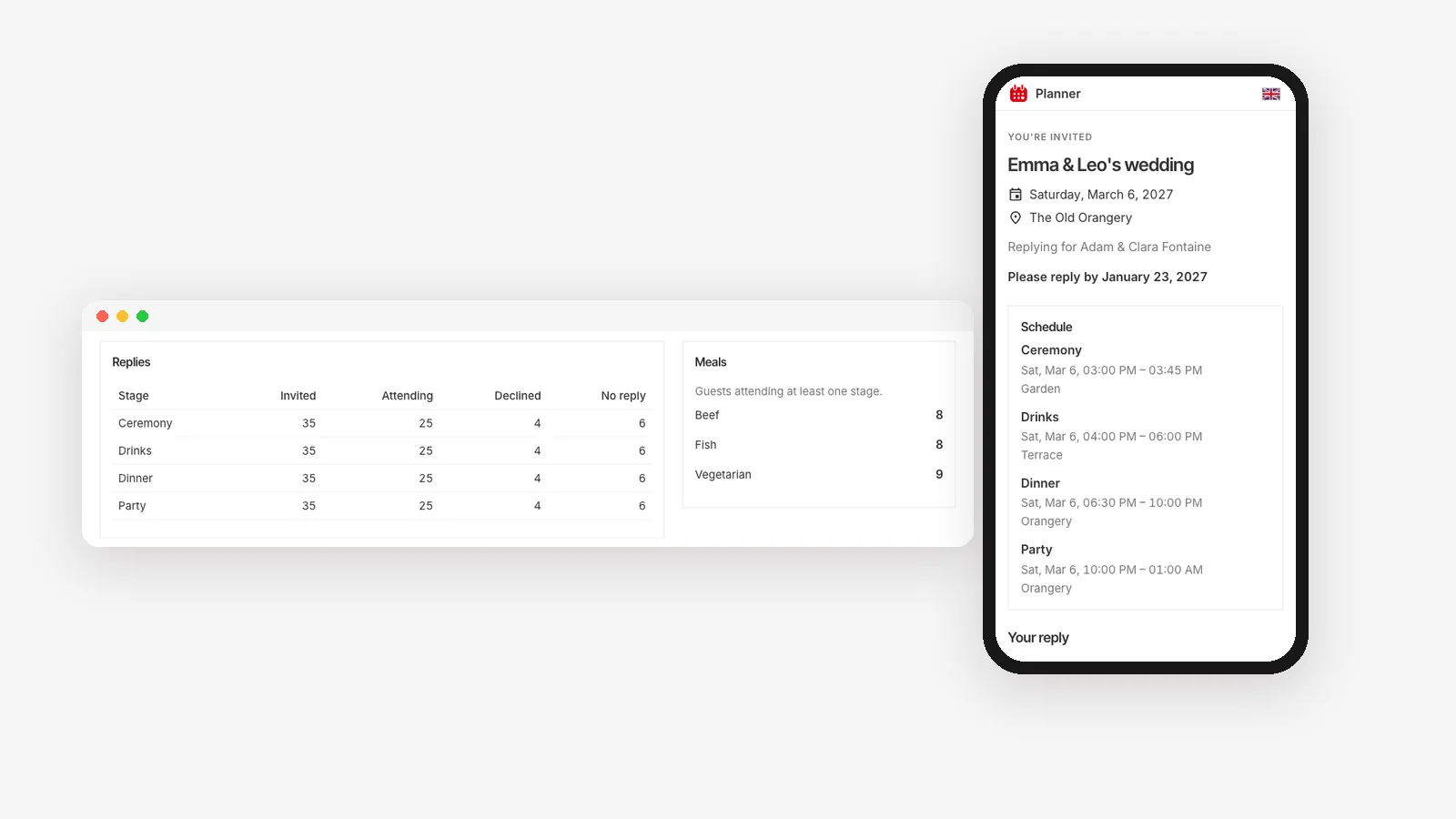
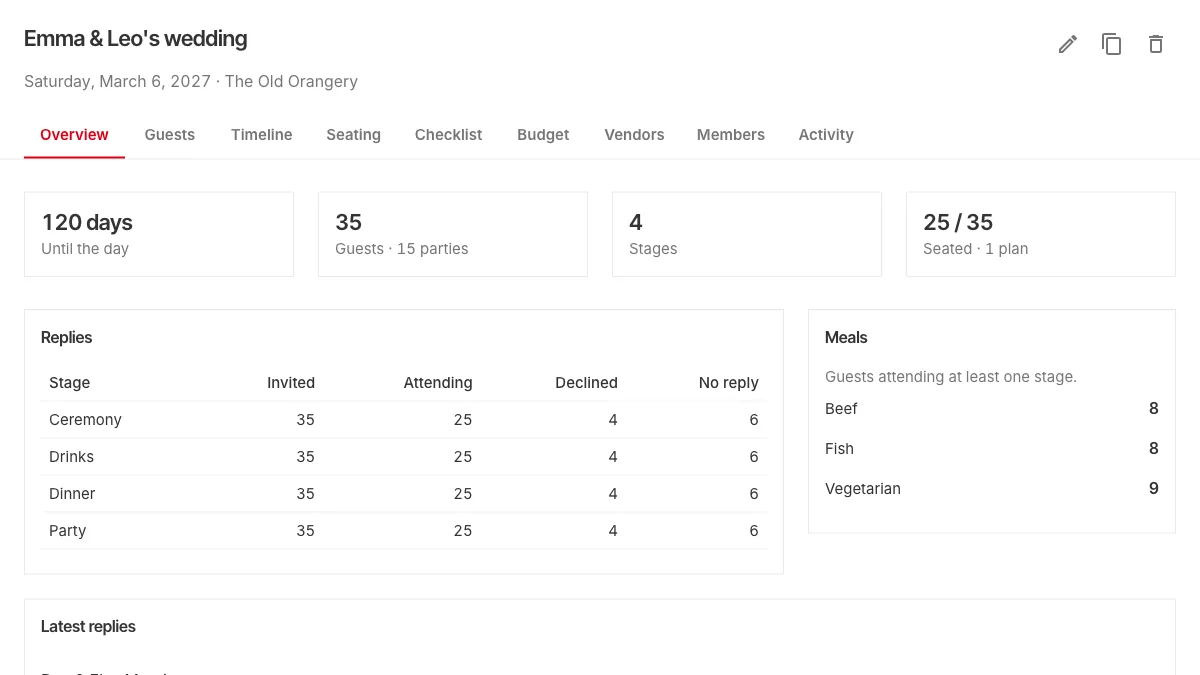
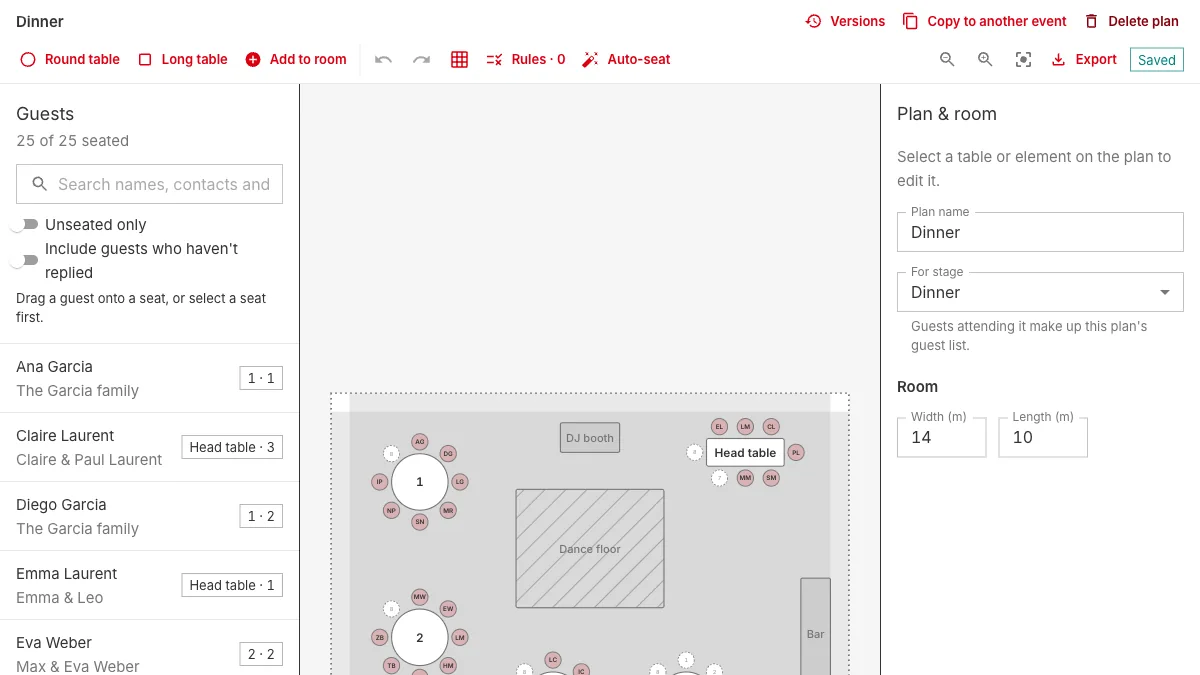
If your guests reply through Planner, the seating editor shows only the guests attending the stage the plan is for, such as dinner. Late replies show up as they come in, and a guest who cancels is flagged instead of quietly keeping a chair.
2. Draw the room before you place a single guest
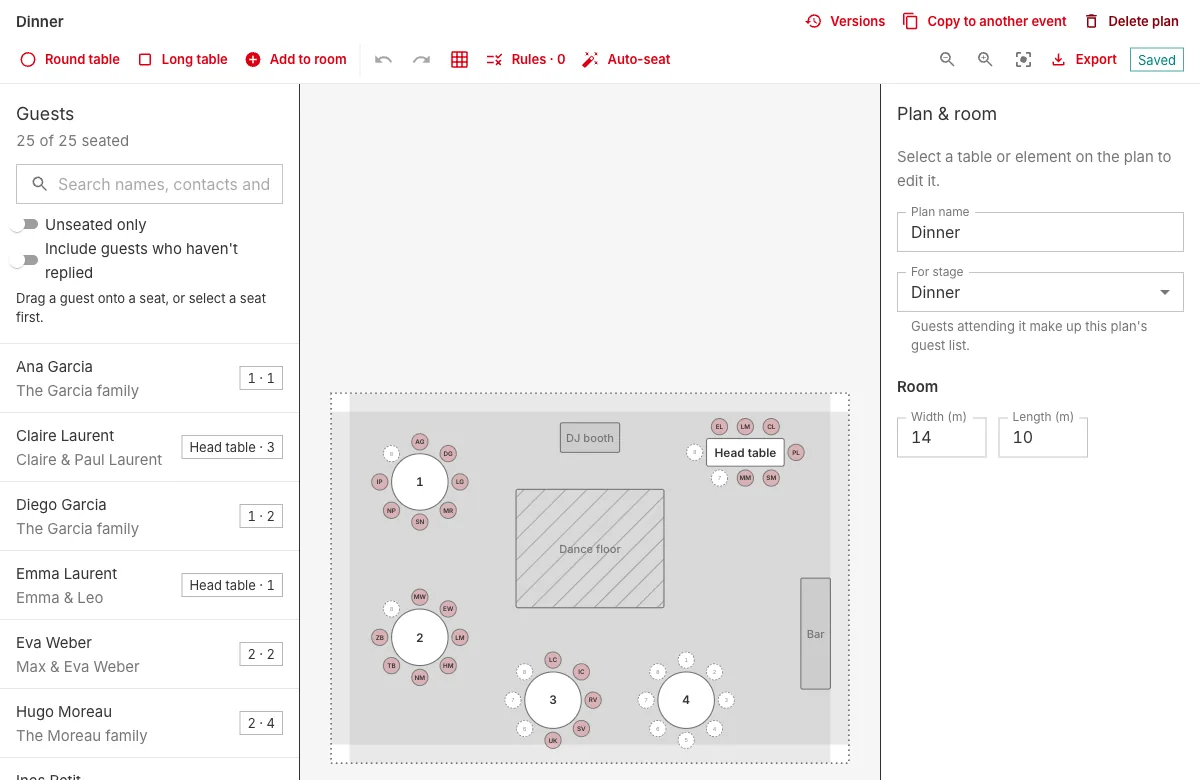
Get the room's measurements from the venue, then place the things that can't move: the bar, the stage or DJ, the dance floor, doors and pillars. Then add tables.
Two rules of thumb:
- Round tables seat 8 to 10 comfortably and make conversation easy across the table.
- Long tables seat more people in the same space and suit family-style dinners and work events.
Drawing to scale matters more than it seems. A plan that looks fine on paper can turn out to have a table in front of the fire exit. Planner's editor draws in metres or feet, with real chair sizes, so what fits on screen fits in the room.
3. Write down the rules before you seat anyone
Before dragging a single name, list the constraints:
- Must sit together: couples, parents with young children, a guest who only knows one other person.
- Must sit apart: the divorced parents, the colleagues who don't get along.
- Would be nice: the old university friends, the people who should finally meet.
In Planner, these become seating rules: keep guests at the same table, at different tables, or side by side, each either a "must" or "where possible". A rule can name guests or a whole tag, like everyone tagged "family". A table that breaks a "must" rule is outlined in red, so mistakes are hard to miss.
4. Seat the fixed points first
Start with the people whose place isn't up for debate: the head table, the hosts' families, anyone who needs to be near an exit or away from the speakers. Then seat the groups that must stay together, largest first. Small groups and individual guests are easy to fit into the gaps at the end; a group of eight is not.
This is also where auto-seat earns its keep. It fills the tables from your households and plus-ones while following your rules, and it's one step to undo if you don't like the result. Many hosts let it do a first pass, then move a handful of people by hand.
5. Check the plan from the guests' side
Before calling it done, walk each table in your head:
- Does everyone know at least one other person at their table?
- Is anyone seated with their back to the speeches?
- Are the guests with dietary needs where the caterer expects them?
That last one is easy to get wrong. Planner's caterer sheet lists meals and dietary needs table by table, straight from your guests' replies.
6. Keep versions, and expect changes
Someone will cancel two days before. Someone will bring a plus-one they forgot to mention. Every save of a Planner seating plan is kept, so you can compare with yesterday's version or restore it if a round of changes goes wrong. If several people are working on the plan, everyone sees each other's edits as they happen, and the activity history shows who moved whom.
7. Print what the day needs
On the day, the venue and your guests need different things:
- The venue needs the floor plan to scale, with or without names.
- Your guests need escort cards, an alphabetical list with each person's table, and place cards at their seats.
- The caterer needs meals by table.
All of these come straight out of the plan as PDFs, in A4 or Letter, so nobody has to retype the list.
Try it on a real room
The easiest way to get a feel for this is to try it. The sample event has a wedding dinner already laid out: move a table, add a rule, run auto-seat and see what changes.